gallerysketch
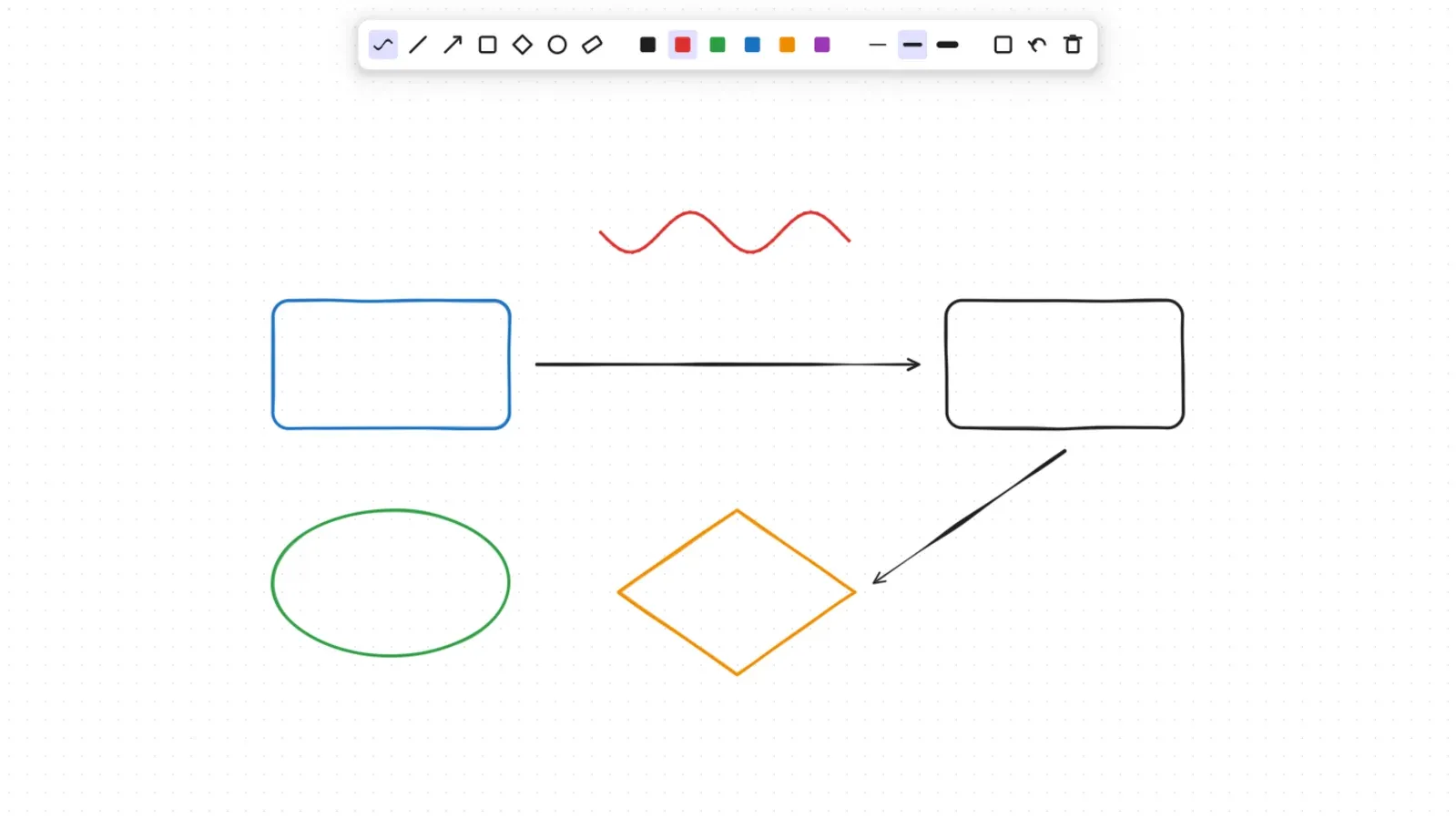
A whiteboard
by
 museslabs
added 24 November 2026
Sketch boxes, arrows and diagrams in a hand-drawn style, right on your desktop.
pick a tool at the top, then drag
Run it
It needs phonto, which runs on macOS and on Wayland desktops other than GNOME. Try it straight from the gallery: phonto downloads it to a temporary folder and runs it. Install it to keep it, and it runs without the network from then on.
About it
Pick a pen, a line, an arrow, a rectangle, a diamond or an ellipse at the top, with a color, a stroke width and a fill, and drag. Hold Shift for squares, circles and straight lines.
Once you’ve clicked it, the keys switch tools like in Excalidraw: R for a rectangle, A for an arrow, O for an ellipse, and Z to undo. In dark mode the board turns dark and the black ink turns white.